

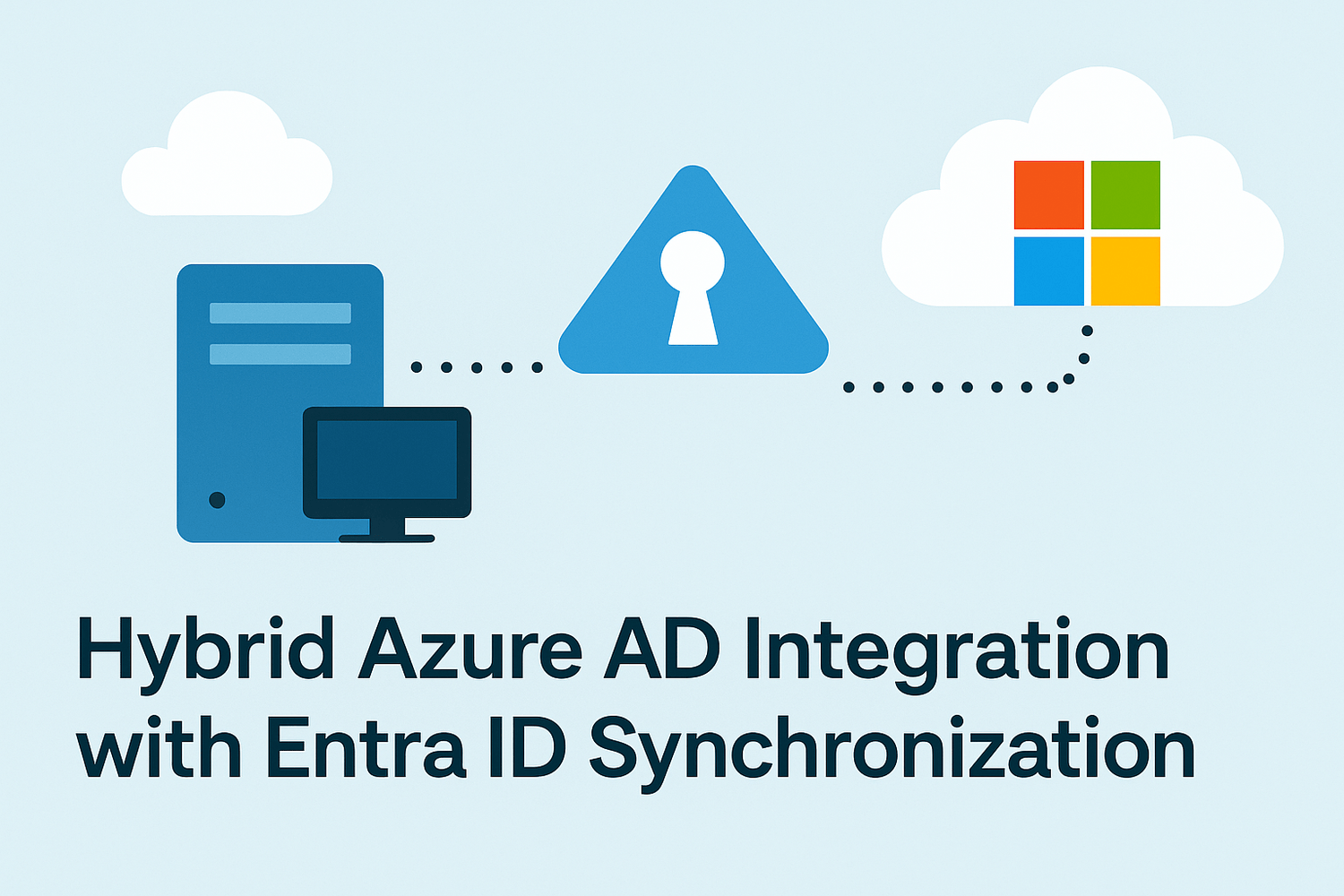
Hybrid Azure AD Integration with Entra ID Synchronization
Project Overview
The purpose of this project is to connect an on-premises Active Directory domain to Microsoft Cloud (Entra ID) using Azure AD Connect, enabling hybrid identity synchronization and single sign-on (SSO) for modern cloud services.
🎯 Goal: Provide seamless access to Microsoft 365 and other Azure services using existing AD credentials, while maintaining centralized control of identities.
Infrastructure: Windows Server 2022 (DC01) with entreprise.local domain
Client PC: Windows 10 (PC01), joined to domain
Internet: Enabled (bridged or NAT mode in VMware)
Cloud Platform: Microsoft 365 Business + Azure Tenant with Global Admin access
Synchronization tool: Azure AD Connect
🧠 Supervision: This project was implemented under the guidance of Eric Mulumba Lukoji, Senior Enterprise Architect (15+ years in cloud infrastructure and identity systems).Lorem ipsum dolor sit amet, consectetur adipisicing elit. Autem dolore, alias, numquam enim ab voluptate id quam harum ducimus cupiditate similique quisquam et deserunt, recusandae.
Step 1 – Prepare the Azure Tenant
Goal: Ensure the cloud environment is ready to receive synced identities.
Actions:
Go to https://portal.azure.com
Create an Azure Active Directory tenant (if not already existing)
Add custom domain: entreprise.com
Verify domain (via TXT DNS record)
Assign a Global Administrator role
Step 2 – Prepare On-Premises Domain
Goal: Ensure local AD is properly structured and internet-ready.
Actions:
Ensure DC01 has internet access
Configure users with routable UPN suffix (e.g., user1@entreprise.com):
Set-UserPrincipalName -Identity user1 -UserPrincipalName user1@entreprise.com
Add suffix in AD Domains and Trusts ➜ UPN Suffixes: entreprise.com
Step 3 – Download and Install Azure AD Connect
Goal: Enable synchronization between on-prem and cloud.
Actions:
Download Azure AD Connect from:
https://www.microsoft.com/en-us/download/details.aspx?id=47594Run the installer on DC01
Choose Express Settings or Custom (to enable SSO)
Step 4 – Configure Synchronization
Goal: Map and sync local identities to cloud.
Actions:
Sign in with Azure Global Admin credentials
Connect to local AD (entreprise.local)
Configure sync rules:
Select Staff OU only
Filter by groups if needed
Enable Password Hash Sync and optionally Seamless SSO
Step 5 – Force Initial Synchronization
Goal: Sync local users to Entra ID.
Actions:
powershell
Start-ADSyncSyncCycle -PolicyType Delta
Confirm users appear in Azure AD portal
Step 6 – Test Sign-In on Microsoft 365
Goal: Validate that users can access cloud services.
Actions:
Open https://office.com
Login with user1@entreprise.com
Enter AD password
Success = SSO or password hash working
Step 7 – Enable Hybrid Join (Optional)
Goal: Register domain-joined devices in Azure AD for conditional access.
Actions:
Use GPO to configure auto-enrollment:
Computer Configuration ➜ Policies ➜ Administrative Templates ➜ Windows Components ➜ Device Registration ➜ Enable automatic registration
Devices will appear in Azure AD ➜ Devices
🔒 Hybrid Identity Flow Overview
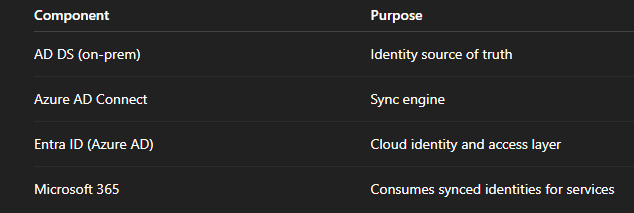
⚙️ Automation Tips
Tips
To monitor sync status in Powershell :
Get-ADSyncScheduler
To reset sync in Powershell :
Start-ADSyncSyncCycle -PolicyType Initial
To view sync errors in Powershell:
Get-ADSyncConnectorRunStatus
Conclusion
This project delivers a real hybrid identity solution used in many SMB and enterprise environments.
You’ve configured:
Azure AD Connect
UPN routing
Cloud sign-in with AD credentials
Optional hybrid device registration
This setup allows your local AD to manage all identities while still giving users access to modern cloud services like Microsoft 365, Teams, OneDrive, etc.
Popular Projects
What is Cloud Computing ?
Cloud computing delivers computing resources (servers, storage, databases, networking, and software) over the internet, allowing businesses to scale and pay only for what they use, eliminating the need for physical infrastructure.
AWS: The most popular cloud platform, offering scalable compute, storage, AI/ML, and networking services.
Azure: A strong enterprise cloud with hybrid capabilities and deep Microsoft product integration.
Google Cloud (GCP): Known for data analytics, machine learning, and open-source support.
